Many businesses still copy enquiries from an inbox into a spreadsheet or CRM by hand. It works until it doesn’t: someone is on leave, a lead gets missed, or nobody can say which campaign brought in last month’s best customer. A CRM integration fixes that, but only if it’s planned properly.
What “integration” really means
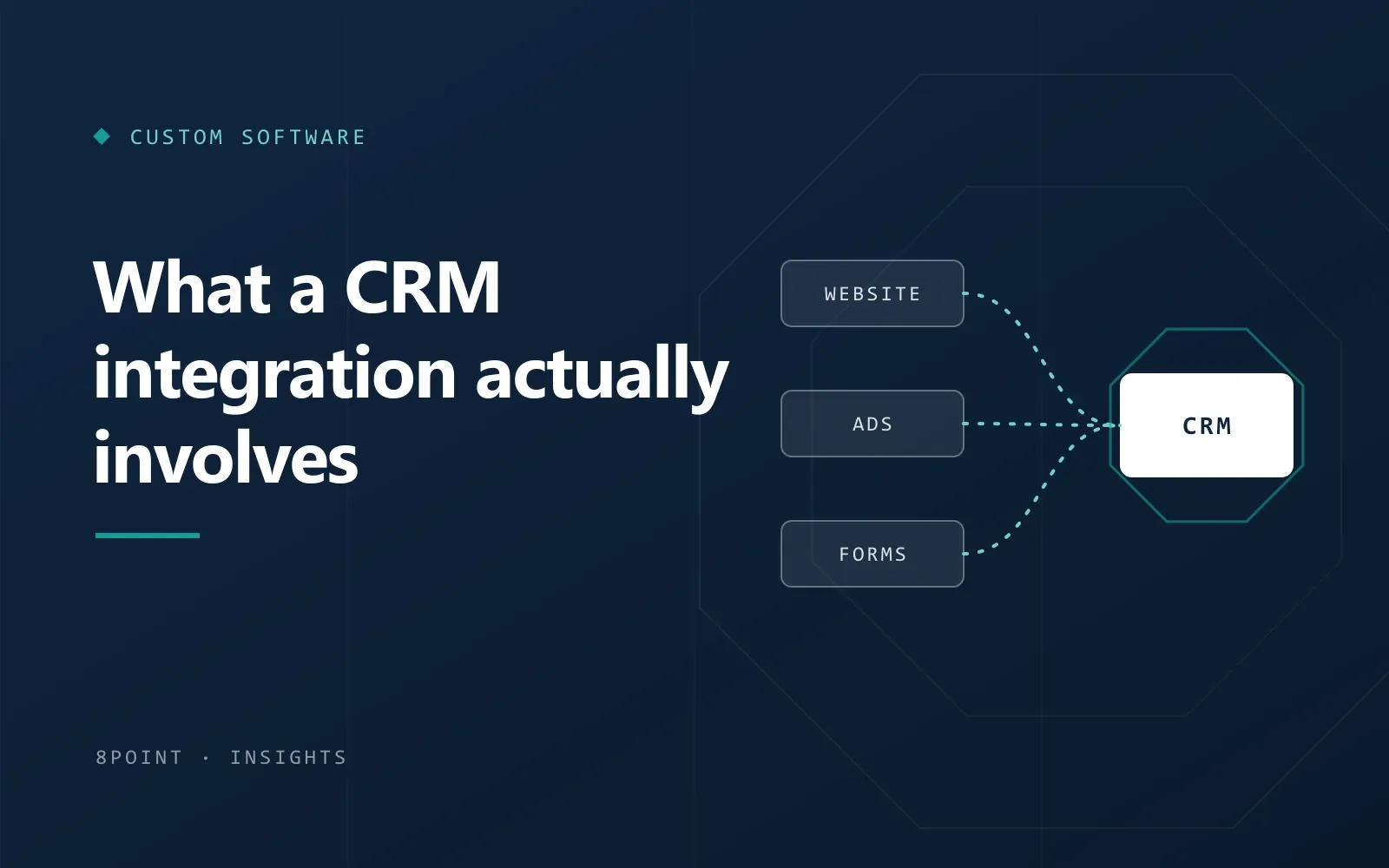
At its simplest, an integration moves information from one place to another automatically. A visitor fills in a form; seconds later a new lead appears in your CRM with their details, where they came from, and who should follow up. No copying, no delay.
It can also go further: updating a lead’s status when they book a call, notifying a salesperson on their phone, or sending a welcome email. Each extra step is useful, but each one needs a decision behind it.
Decide these things before anyone writes code
- Which fields matter: what you actually need from a lead, and what you can leave out.
- Ownership: who gets each new lead, and what happens if they’re away.
- Duplicates: what should happen when the same person enquires twice.
- Lead source: how each enquiry will be tagged with the page, ad or campaign it came from.
- Consent: what people agree to when they submit a form, and how that’s recorded.
The usual building blocks
Most CRMs offer an API or ready-made connectors, so the technical side is usually well understood. A typical setup includes:
- Website forms that send data straight to the CRM, with spam filtering in front.
- Ad platform lead forms (for example from Meta or Google) connected to the same pipeline.
- Hidden fields or tracking parameters that record where each lead came from.
- Instant notifications by email or chat, so new leads aren’t left waiting.
- Error handling, so a failed sync is noticed and retried rather than silently lost.
Common pitfalls
- Sending every field “just in case”, which clutters the CRM and slows the team down.
- No plan for duplicates, so one customer appears five times.
- Tracking parameters that get lost between the ad and the form.
- Nobody checking that it still works after a website or CRM update.
How long it takes
A single form feeding a CRM can be quick once decisions are made. Integrations that involve several sources, two-way updates or custom logic take longer, and the planning stage is often where most of the value is created. A written scope makes the timeline realistic before work begins.
A short checklist to start with
- List every place enquiries come from today.
- Agree the handful of fields you really need.
- Decide who owns new leads and how quickly they should be contacted.
- Choose how lead sources will be tracked.
- Plan how you’ll test it, and who checks it after updates.
Get those right and the integration becomes one of the most useful things you can add to your website: every enquiry recorded, visible and followed up.
Custom Software
All articles