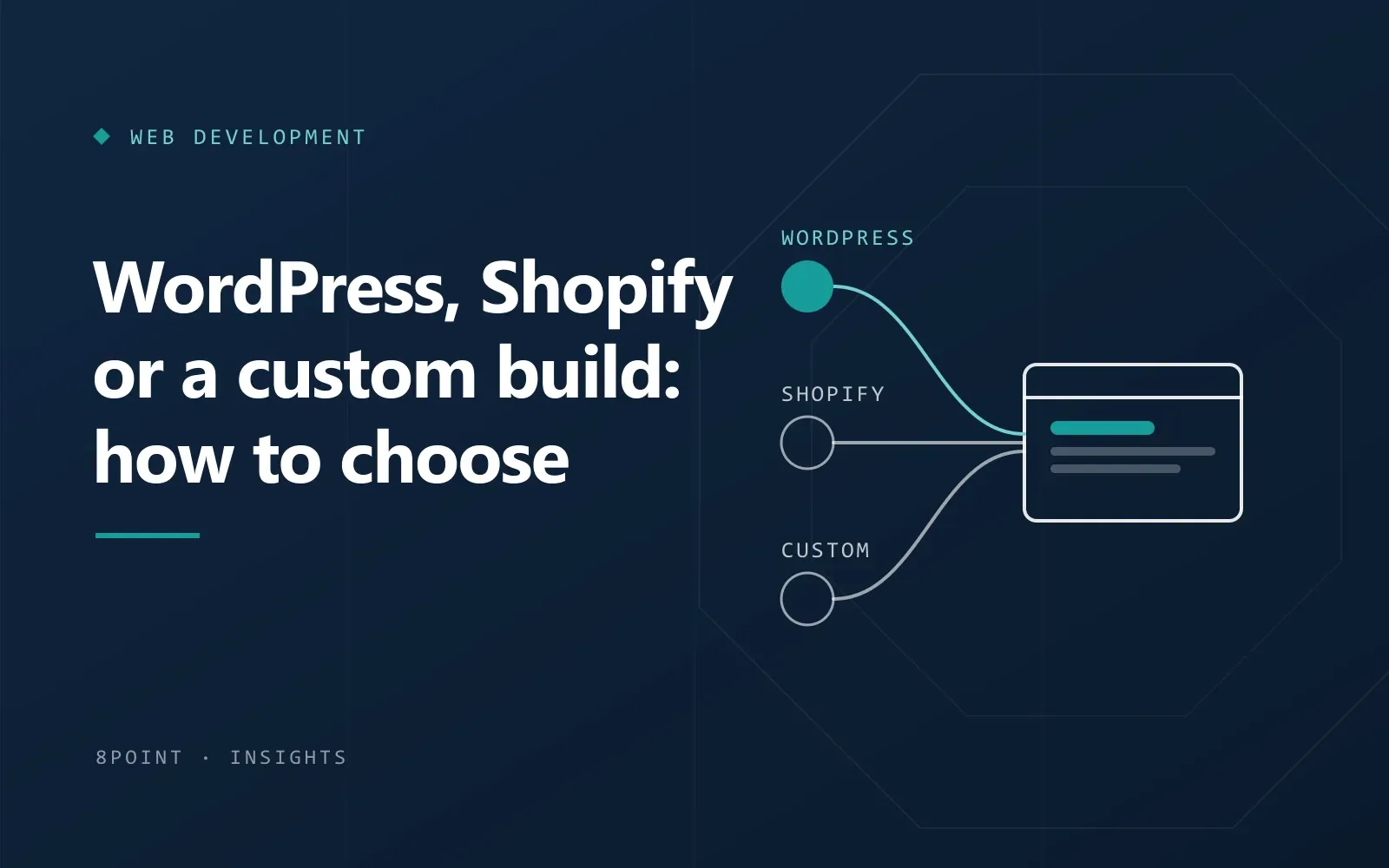
Most platform debates start in the wrong place. People compare features, prices and what a friend used, then try to fit their business into the result. A better starting point is a short list of what the website actually has to do, and who will look after it once it’s live.
Start with what the site has to do
Before talking about platforms, write down plain answers to these questions. They usually make the choice obvious.
- Is the main job to explain your services and bring in enquiries, or to sell products online?
- How many products will you sell, and do they have variations, bundles or custom options?
- Who will update the site day to day, and how comfortable are they with technology?
- Does the site need to connect to other systems, such as a CRM, stock software or a booking tool?
- Is there a process that no standard tool handles well, like quotes, approvals or customer portals?
When WordPress is the right fit
WordPress suits businesses whose website is mainly about content: services, case studies, articles, landing pages and enquiry forms. It’s flexible, widely supported, and your team can manage pages without a developer once it’s set up well.
- You want strong control over pages and content for SEO.
- You publish regularly, or plan to.
- You may add a small shop later (WooCommerce runs inside WordPress).
- You want to own the site and its data outright, on hosting you choose.
The catch is maintenance. WordPress needs updates, backups and a sensible choice of plugins. A lean, custom-built theme ages far better than a heavy theme with dozens of add-ons.
When Shopify is the right fit
Shopify is built for selling. Hosting, security and checkout are handled for you, and day-to-day jobs like adding products, managing orders and running discounts are straightforward.
- Selling products is the main purpose of the site.
- You’d rather not think about servers, updates or security patches.
- You want a reliable checkout without building one.
- You plan to sell through social media and marketplaces too.
The trade-offs are a monthly subscription, transaction considerations depending on your payment setup, and apps that each add their own cost. Unusual product logic can also push against what the platform allows.
When a custom build makes sense
A custom application is worth considering when the website is really a tool: a portal where customers log in, a booking system with its own rules, or a workflow that spreadsheets and plugins can no longer hold together.
Custom work costs more up front and needs a clear scope, but it fits your process exactly and can grow with it. Good custom work is documented, so you’re never tied to one developer.
Think about the cost over time, not just the build
The cheapest option on launch day isn’t always the cheapest over three years. When you compare quotes, include:
- Hosting or platform subscriptions.
- Paid plugins, themes or apps, and how many you’ll need.
- Maintenance: updates, backups, security and small changes.
- Your team’s time to keep content and products up to date.
- What it would take to change platforms later, if you outgrow this one.
A simple way to decide
- If the site mainly explains services and brings enquiries, start with WordPress.
- If the site mainly sells products and you want low upkeep, start with Shopify.
- If content and products need to live together with lots of control, consider WooCommerce.
- If the core of the project is a process no standard tool handles, plan a custom build.
Whichever way you lean, a short conversation about your goals, your team and your budget usually settles it. We’re happy to give you an honest recommendation, including when the answer is to keep what you have.
Web Development
All articles